
Participant Experience
Participants on the Salt platform can join and participant in sessions which use video call mode without logging in.
Joining the session
The facilitator will be provided with a share link when creating a new session and on their side panel once the session has started. Copy this link to your clipboard and distribute it to your participants to give them access to the session.
Once the session has started, participants who click the link will be for a nickname (max. 6 characters) before joining the session. If the session has not started, participants will be held on a screen informing them that they must wait for the session to start.
Camera and Microphone Permissions
When the participant joins the session, they will immediately be prompted for camera and microphone permissions. All participants must allow these permissions to participate in the session.
Session view
Similarly to the facilitator, the participant view has the video call on the left-hand side and a side panel off to the right. From the beginning of the session, participants will be shown a message telling them that the AI facilitator is ready to guide them, and a notice that the session is being recorded for AI analysis.
Insights which are shared by the facilitator will then pop up near the top of the side panel and form in a list view - the most recently shared insights can be found at the top of the list.
Participants do not have the ability to ask the Salt facilitator for insights or share insights, these controls are exclusive to the session organiser/facilitator.
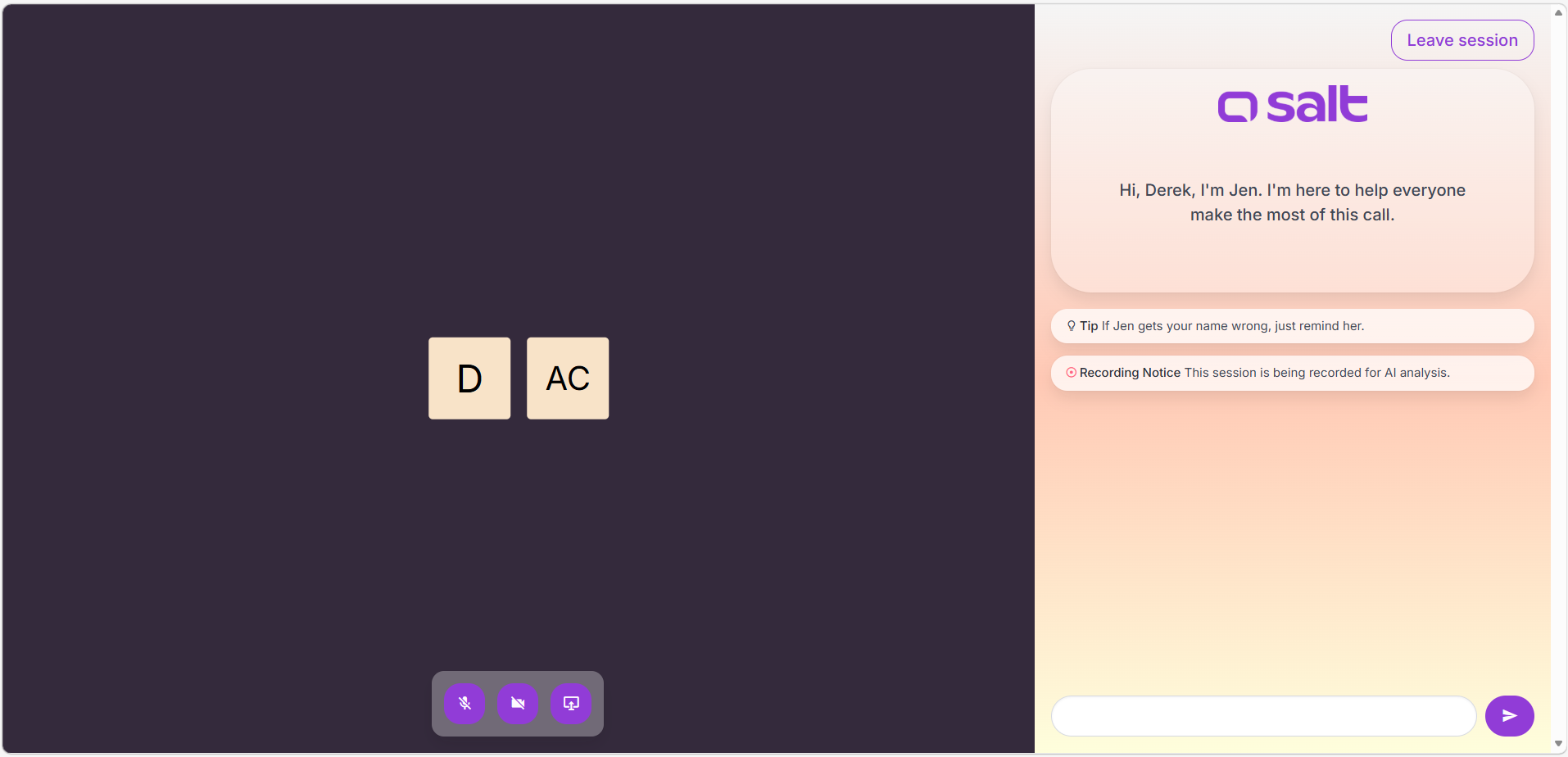
Leaving the session
To leave the session, participants can either click Leave session (to be redirected to the Salt homepage) or simple close the tab on their browser. From this point, they will no longer participate in the video call or be recorded for AI analysis.